


Introduction
Full disclosure: Belkast used Artificial Intelligence to code this Java program.
The program uses a derived PBKDF2 key with the SHA-256 algorithm to encrypt user defined input.
Main Menu
You are given the following options:
- 1. Encrypt
- 2. Decrypt
- 3. Run test cases
- 4. Exit
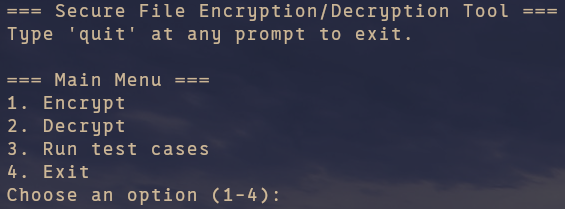
Pressing 1 will prompt for further information in the Encryption Mode menu.
Pressing 2 will prompt for further information in the Decryption Mode menu.
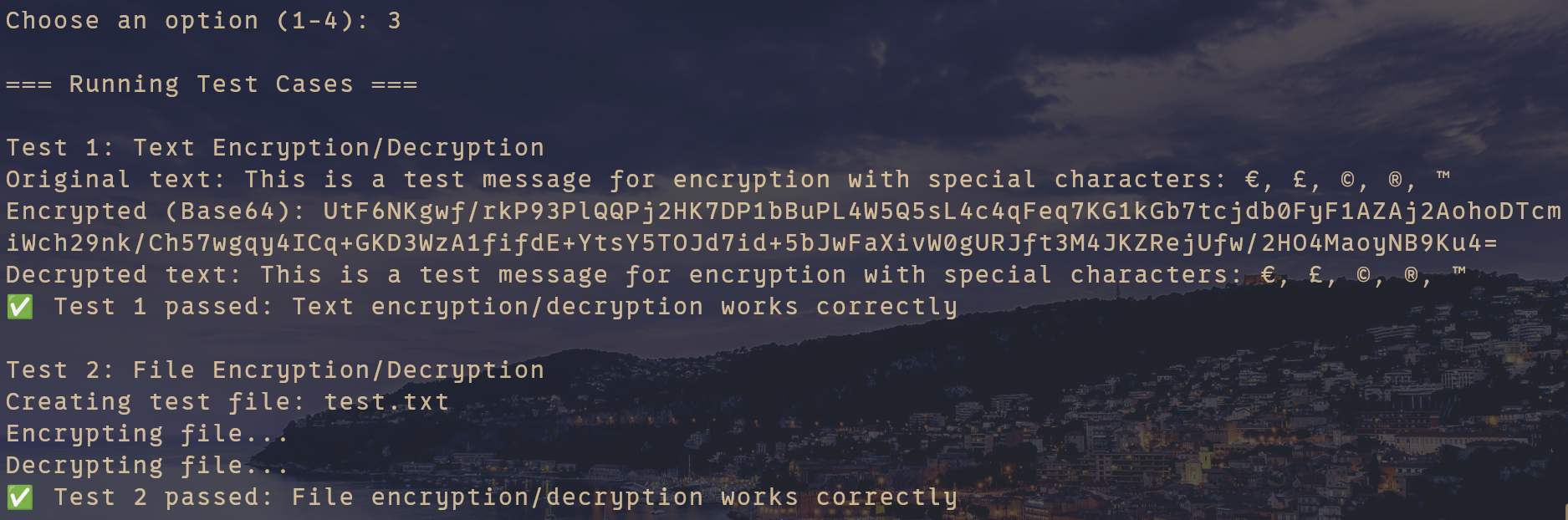
Pressing 3 will run a couple of test cases to ensure the program is functioning correctly.
Pressing 4 will exit the program.
Encryption Mode
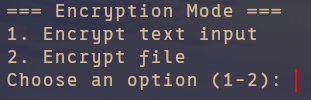
1. Encrypt text input
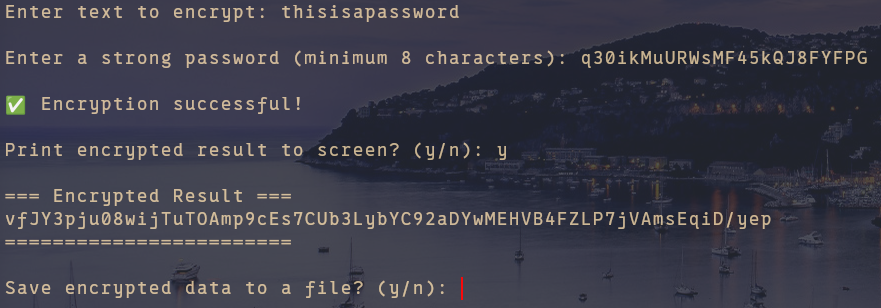
You are given the following options:
- Enter text to encrypt:
- Enter a strong password (minimum 8 characters):
- Print encrypted result to screen? (y/n):
- Save encrypted data to a file? (y/n):
- Enter output file path:
2. Encrypt file
You are given the following options:
- Enter the file path:
- Enter a strong password (minimum 8 characters):
- Print encrypted result to screen? (y/n):
- Save encrypted data to a file? (y/n):
- Enter output file path:
Decryption Mode
1. Decrypt from text input
You are given the following options:
- Enter encrypted Base64 text:
- Enter a strong password (minimum 8 characters):
- Print decrypted result to screen? (y/n):
- Save decrypted data to a file? (y/n):
- Enter output file path:
2. Decrypt from file
You are given the following options:
- Enter the file path:
- Enter a strong password (minimum 8 characters):
- Print decrypted result to screen? (y/n):
- Save decrypted data to a file? (y/n):
- Enter output file path:
Run test cases
Downloads
Java class
The SecureFileCryptoTool Java class file can be downloaded from here.
Source code
The Java source code can be downloaded from here.